
RiffHold a key, talk, and let go
Riff turns what you say into text and types it where you were typing, in the app you were using. Transcription runs on your Mac, so your voice is not uploaded.
In early access for Mac with Apple silicon and macOS 26.4 or later.

Say it, and Riff types it.
All featuresHold a key and talk
Hold Control-Option-R, say what you want to write, and let go. Riff types it at the caret.
Learn more about Hold a key and talkTranscribed on your Mac
Apple Speech or Cohere Transcribe turns your voice into text on your Mac. Recordings are not uploaded.
Learn more about Transcribed on your MacEvery take, kept
Your newest 200 transcriptions stay in the menu bar. Choose one to copy it again.
Learn more about Every take, keptType into the app you are using.
Riff types into the text field that has focus, in a message, an email, a document, or a search box. When nothing has focus, the take waits in the history.
About push-to-talkYour voice stays on your Mac.
Both transcription engines run on your Mac, and Riff keeps your recordings and transcriptions there. Diagnostics are off until you turn them on.
About transcriptionGet started with Riff.
All questionsEarly access
Ask for a copy by email and set up Riff in a few steps.
Learn more about Early accessSettings
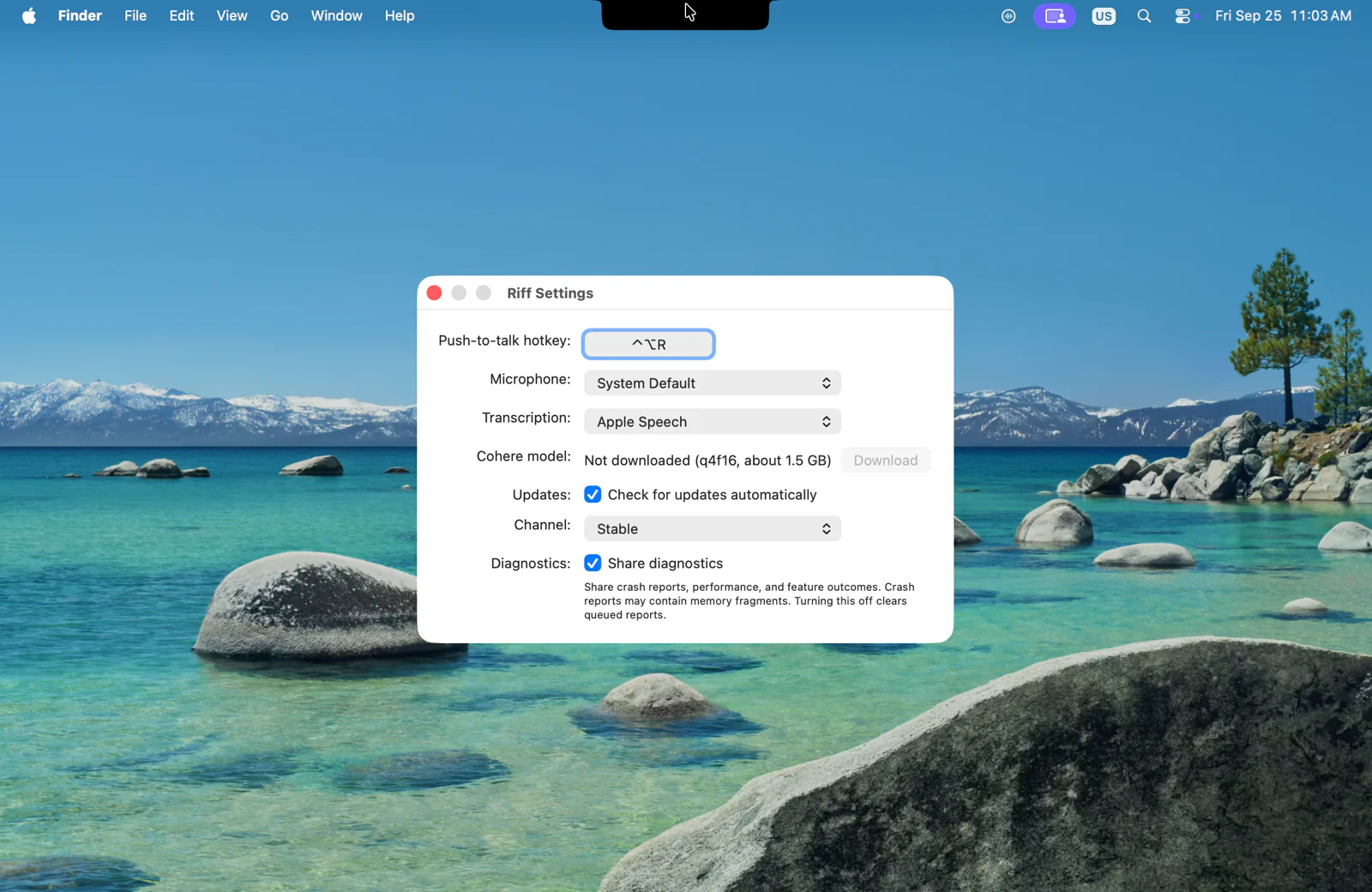
Choose the hot key, the microphone, the transcription engine, and the update channel.
Learn more about SettingsQuestions and answers
Permissions, where the text goes, the engines, privacy, and updates.
Learn more about Questions and answers